
🎨 Multimodal UI/UX Design Agent Team
Powered by Google Gemini 2.5 Flash & ADK
A Futuristic Multi-Agent System Turning Screenshots into Masterpieces
View Demo • Report Bug • Request Feature
🚀 Overview
Welcome to the future of web design. The Multimodal UI/UX Feedback Agent Team is not just a tool; it's an intelligent design studio living in your terminal. By orchestrating a team of specialized AI agents, this system accepts raw landing page screenshots, performs deep visual analysis, strategizes improvements based on WCAG and modern UX laws, and automatically generates code-ready layout improvements.
Powered by the blazing fast vision capabilities of Gemini 2.5 Flash, our agents "see" your design just like a human expert would—but with the precision of a machine.
🤖 The Cybernetic Design Team
Our architecture utilizes a sequential collaborative pattern where agents pass rich multimodal context to one another.
1. 👁️ The UI Critic (Analyst Node)
- Role: Visual Forensic Expert.
- Capabilities:
- Direct vision analysis of uploaded screenshots.
- Heatmap prediction for user attention.
- Typography & Color Theory audit.
- Identification of "Dark Patterns" and accessibility violations.
- Output: A detailed
AnalysisReportidentifying critical flaws.
2. 📐 The Design Strategist (Planner Node)
- Role: Solutions Architect.
- Capabilities:
- Formulates a step-by-step remediation plan.
- Selects specific color palettes (Hex/HSL) for better contrast.
- Defines spacing tokens and layout grids.
- Ensures Mobile Responsiveness compliance.
- Output: A comprehensive
ImprovementStrategyblueprint.
3. 🎨 The Visual Implementer (Coder Node)
- Role: Full-Stack Designer & Developer.
- Capabilities:
- Translates strategy into visual concepts.
- Generates optimized layout descriptions (or code).
- Produces the "After" version of your design.
- Output: Final high-fidelity design recommendations and code snippets.
✨ Key Capabilities
🧠 Visual Intelligence Engine
Unlike standard text-based LLM chains, this agent team possesses native sight.

- Instant Parsing: Detects buttons, navbars, hero sections, and footers instantly.
- Context Awareness: Understands the intent of a B2B SaaS page vs. an E-commerce store.
- Brand Alignment: Checks for consistency in logo usage and tone.
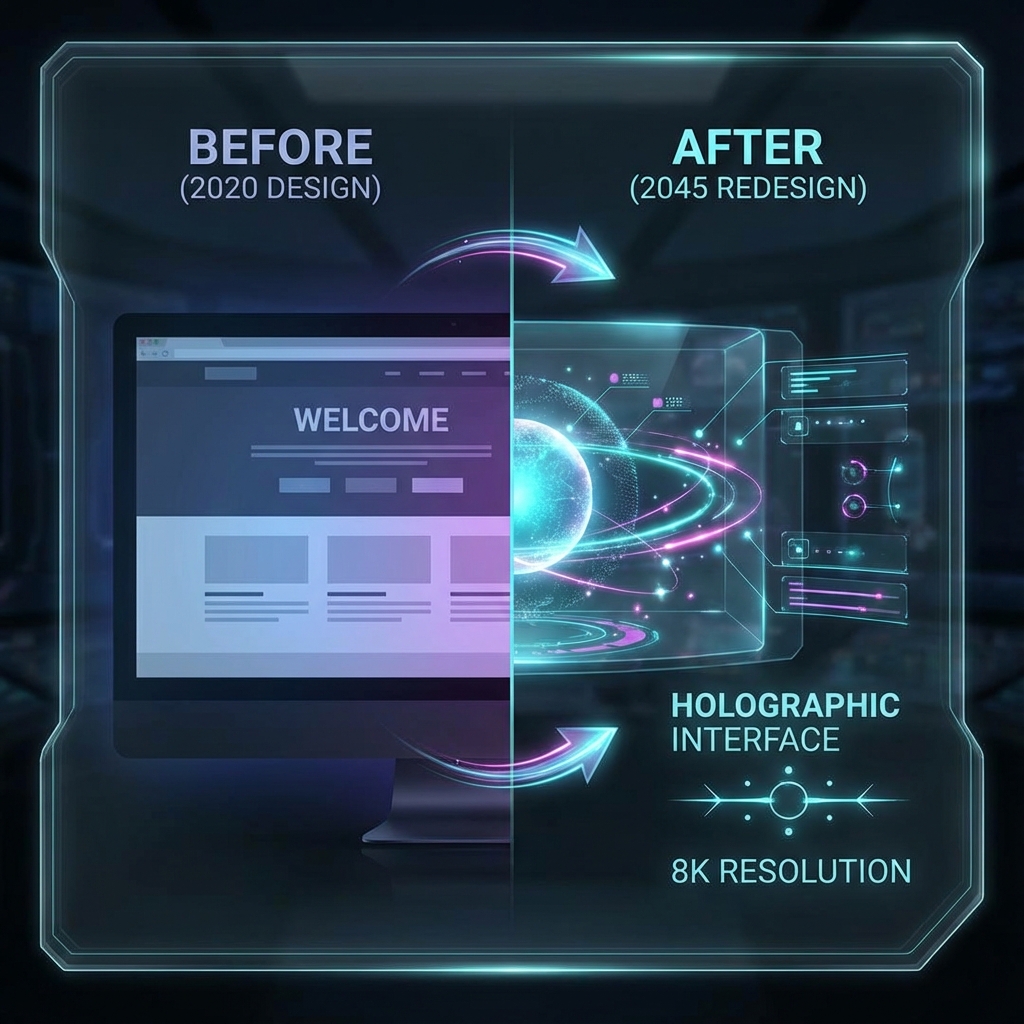
🔮 Automated Re-Imagining
Don't just get feedback—get results.
- Auto-Correction: Automatically suggests CSS fixes for misalignment.
- Contrast Boosting: Adjusts colors to meet AA/AAA standards.
- Modernization: Updates outdated styles to current 2025+ trends (Glassmorphism, Neo-Brutalism, etc.).
🛠️ Logic & Architecture
The system operates on a coordinated state machine managed by the Google ADK dispatcher.
Flow Breakdown
- Ingestion: The Coordinator receives the user's image.
- Dispatch: The task is routed to the UI Critic.
- Handoff: Critical findings are passed to the Design Strategist.
- Execution: The Visual Implementer synthesizes the final output.
- Iteration: The user can provide feedback (e.g., "Make it darker"), triggering a "Refinement Loop."
⚡ Quick Start Guide
Prerequisites
- Python 3.10+ (Required for async features)
- Google Cloud Project with Gemini API enabled.
- ADK Installed:
pip install google-adk
Installation
-
Clone the Repository
bashgit clone https://github.com/your-username/uiux-agent-team.git cd uiux-agent-team -
Install Dependencies
bashpip install -r requirements.txt -
Configure Environment Create a
.envfile in the root directory:iniGOOGLE_API_KEY=AIzaSy...YourKeyHere... # Optional: Enable debug mode ADK_DEBUG=true -
Run the Agent Team Launch the web interface to interact visually:
bashadk webAccess the interface at
http://localhost:8080
🎮 Usage Examples
Scenario A: The "Roast" (Audit)
User: "Here is my landing page. Why is nobody signing up?"
Agent: "Analyzing... Detected low contrast on the primary CTA. The 'Sign Up' button blends into the hero background. Recommendation: Change button color to #FF4500 and increase padding by 16px."
Scenario B: The "Makeover" (Redesign)
User: "Modernize this 2010s style corporate site. I want a dark mode cyber-aesthetic." Agent: "Understood. Switching to Dark Mode protocol.
- Inverting background to
#0F0F12. - Applying neon glow effects to headers.
- Replacing serif fonts with 'Inter' or 'Space Grotesk'. Generatinig preview..."
🧩 Directory Structure
text📂 multimodal_uiux_feedback_agent_team/
├── 📂 assets/              # 🖼️ High-res images & assets
│   ├── main_banner.png
│   ├── workflow_diagram.png
│   ├── feature_analysis.png
│   └── feature_design.png
├── 📂 uiux_team/           # 🧠 Agent Brains
│   ├── critic_agent.py
│   ├── strategist_agent.py
│   └── implementer_agent.py
├── .env                    # 🔑 Secrets (GitIgnored)
├── app.py                  # 🚀 Entry Point
├── requirements.txt        # 📦 Dependencies
└── README.md               # 📖 Documentation
❓ Troubleshooting & FAQ
Q: The agent says "I cannot see the image".
A: Ensure your GOOGLE_API_KEY has access to the Gemini 1.5/2.5 Flash model. Legacy models like PaLM do not support vision.
Q: How do I export the code? A: The Visual Implementer provides code blocks in the chat. You can copy-paste these directly into your HTML/CSS files or React components.
Q: Can I add more agents?
A: Yes! The ADK represents a modular architecture. You can easily plug in a "Copywriting Agent" or "SEO Secliaist" into the existing pipeline in app.py.
🔧 Advanced Configuration
For power users and developers, the ADK allows deep customization of the agent team's behavior through environment variables and configuration files.
Environment Variables
| Variable | Description | Default |
|---|---|---|
GOOGLE_API_KEY | Required. Your Gemini API credentials. | None |
ADK_DEBUG | Enable verbose logging for debugging agent thoughts. | false |
ADK_MODEL | Override the default model (e.g., use gemini-1.5-pro). | gemini-2.5-flash |
MAX_STEPS | Limit the number of reasoning steps per agent. | 30 |
AGENT_TEMPERATURE | Control creativity (0.0 - 1.0). | 0.4 |
Customizing Prompts
You can modify the individual agent personas by editing the system instructions in uiux_team/.
UI Critic Persona (critic_agent.py):
"You are a world-renowned UI/UX expert with a focus on accessibility and conversion optimization. You assume the user is asking for professional, harsh, but constructive feedback..."
Strategic Planner Persona (strategist_agent.py):
"You are a systematic product designer. Your goal is to translate abstract feedback into concrete, actionable steps using design tokens..."
� Agent System Architecture Deep Dive
Understanding how the team "thinks" helps in getting the best results.
The Context Window Strategy
We utilize a sliding context window to keep the agents focused.
- Vision Context: The initial image is cached for the
UICritic. - Semantic Context: The
AnalysisReportis compressed into a JSON object for theStrategist. - Code Context: The
Implementerreceives only theImprovementStrategy, preventing token overflow from the initial chat.
Error Handling & Self-Healing
- Hallucination Check: If the
Implementersuggests a CSS property that doesn't exist, theCoordinatorstrictly validates the code against a local CSS schema. - Vision Retry: If the API fails to process the image, the system automatically downscales the image and retries (Exponential Backoff).
Extending the Team
To add a "Copywriter Agent":
- Define the class
CopywriterAgent(Agent)inheriting from the base ADK Agent. - Register the tool
generate_marketing_copy. - Add the routing logic in
app.py:pythonif "text" in user_feedback: dispatcher.route_to(CopywriterAgent)
We welcome contributions from the community! Whether it's adding new design rules, improving the prompts, or fixing bugs.
- Fork the Project
- Create your Feature Branch (
git checkout -b feature/AmazingFeature) - Commit your Changes (
git commit -m 'Add some AmazingFeature') - Push to the Branch (
git push origin feature/AmazingFeature) - Open a Pull Request
Built with ❤️ by the Advanced Agentic Coding Team